

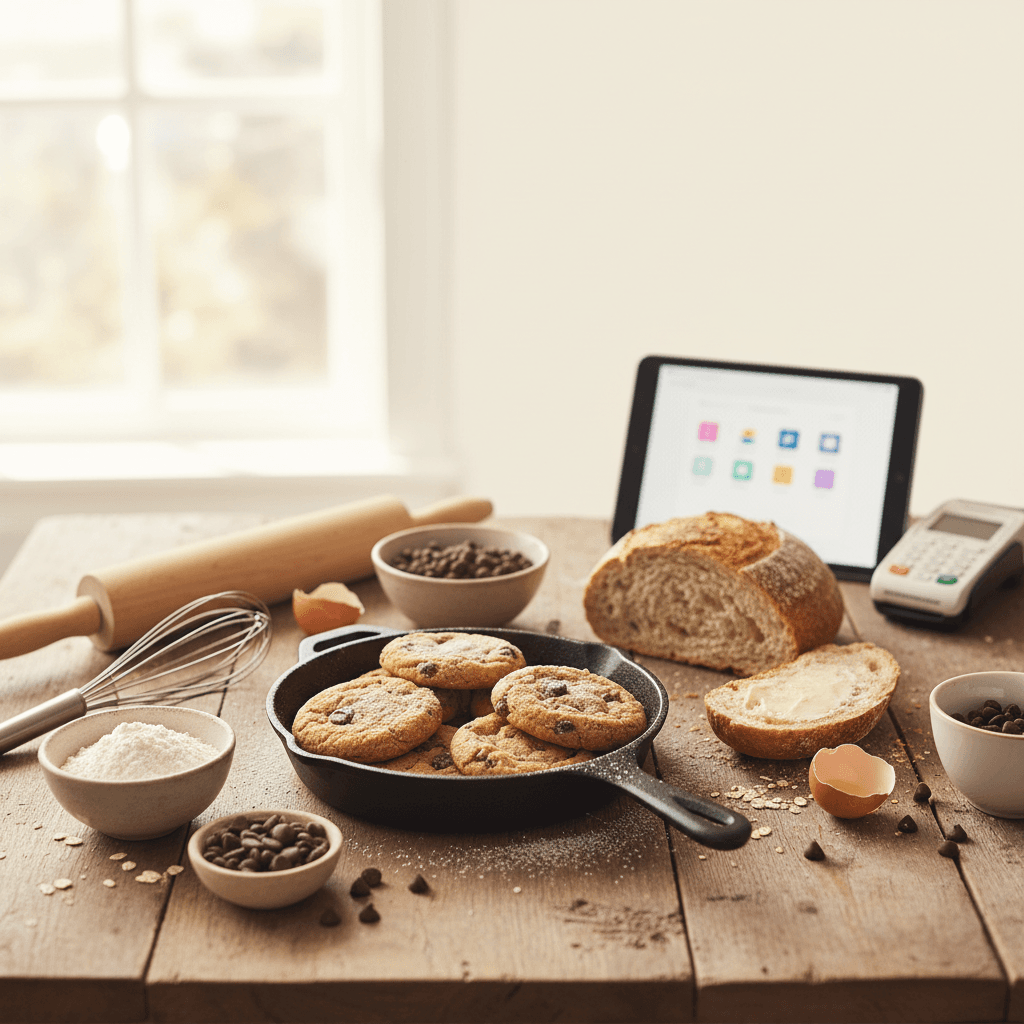
Choosing a point of sale system for your home bakery can feel overwhelming, especially when most POS platforms are designed for full-scale restaurants or retail shops. We researched the top options so you can find one that fits a cottage food operation without blowing your budget.
Key takeaways
- Best overall: Square POS — free to start, handles in-person and online orders, and has the widest feature set for home bakers.
- Best budget pick: Square POS (free plan) or SumUp for the lowest upfront cost and per-transaction fees.
- Most home bakers only need a basic card reader and a free POS app to start — you can always upgrade later.
- Processing fees typically run 2.6%–2.75% + a flat fee per transaction, which is standard across most platforms.
- If you sell at farmers markets, prioritize a system with offline mode so you never lose a sale when Wi-Fi drops.
- Integration with online ordering is a huge bonus if you take pre-orders, which most home bakers do.
What to look for in a home bakery POS system
Before we get into specific products, here's what actually matters when you're running a home bakery business. Your needs are very different from a brick-and-mortar shop, so don't get distracted by features you'll never use.
Transaction fees vs. monthly fees
Most POS systems charge a percentage of each sale plus a small flat fee (like 2.6% + $0.10). Some also charge a monthly subscription. When you're watching margins — and if you've read our guide to pricing baked goods, you know how tight they can be — you want the lowest combined cost. For most home bakers doing under $5,000/month in sales, a free plan with slightly higher per-transaction fees beats a monthly subscription.
In-person vs. online payments
If you sell at farmers markets, pop-ups, or do porch pickups, you need a card reader for in-person payments. If you take pre-orders through social media or a website, you need online payment processing too. The best systems handle both.
Inventory and order tracking
This is nice to have, not essential. A simple POS that tracks what you sold and when is enough for most home operations. If you're scaling your home bakery, you might eventually want more robust inventory features.
The 6 best POS systems for home bakers compared
| POS system | Monthly cost | Card reader cost | In-person rate | Online rate | Best for |
|---|---|---|---|---|---|
| Square POS | Free | $0 (magstripe) / $59 (contactless) | 2.6% + $0.10 | 2.9% + $0.30 | Best overall |
| SumUp | Free | $54 | 2.75% | 2.9% + $0.15 | Best budget pick |
| PayPal Zettle | Free | $29 (first reader) | 2.29% + $0.09 | 3.49% + $0.49 | Lowest in-person fees |
| Clover Go | Free (Essentials plan) | $49 | 2.6% + $0.10 | 3.5% + $0.10 | Growing bakeries |
| Shopify POS | $39/mo (Basic plan) | $49 | 2.6% + $0.10 | 2.9% + $0.30 | Online-first bakers |
| Toast | Free (Starter plan) | Included (hardware kit) | 2.99% + $0.15 | 3.09% + $0.15 | Food-specific features |
1. Square POS — best overall for home bakers
Square is the best point of sale system for most home bakers because it's free to start, incredibly easy to set up, and handles everything from farmers market sales to online pre-orders. We recommend this one to anyone just getting started.
The free magstripe reader works in a pinch, but we'd suggest upgrading to the Square Reader for contactless and chip payments (around $59). Customers increasingly expect to tap their phone or card, and it processes transactions faster at a busy market booth.
Pros:
- Completely free plan with no monthly fees
- Built-in online store for taking pre-orders
- Offline mode processes cards without Wi-Fi (settles when you reconnect)
- Excellent reporting — see your best-selling items at a glance
- Invoicing feature for custom cake orders and catering jobs
Cons:
- Funds take 1-2 business days to deposit (instant transfer available for a fee)
- Limited customization compared to restaurant-specific systems
- Customer support can be slow during peak times
Approximate cost: $0–$59 upfront, then 2.6% + $0.10 per in-person transaction.
2. SumUp — best budget pick
SumUp is the most affordable dedicated card reader for home bakers who primarily sell in person. At $54 for the reader and zero monthly fees, it's a straightforward, no-nonsense option.
The SumUp Solo card reader has a built-in screen and works on its own Wi-Fi or paired with your phone. It's compact enough to toss in your market bag without a second thought.
Pros:
- No monthly fees ever
- Simple flat-rate pricing (2.75% per tap/dip/swipe)
- Standalone reader doesn't require a phone or tablet
- Clean, intuitive interface
Cons:
- Online payment features are more limited than Square
- No built-in online store
- Reporting is basic
Approximate cost: $54 upfront, then 2.75% per in-person transaction.
3. PayPal Zettle — lowest in-person processing fees
PayPal Zettle offers the lowest in-person transaction rate on this list at 2.29% + $0.09, which adds up to real savings if you're doing high-volume market days. The first Zettle card reader is just $29.
The catch is that online rates are significantly higher (3.49% + $0.49), so this is best for bakers who sell primarily in person — think farmers markets, pop-ups, and porch pickups.
Pros:
- Lowest in-person processing fees
- First reader is only $29
- Integrates with PayPal for easy fund management
- Good inventory tracking for a free system
Cons:
- Online rates are the highest on this list
- Requires a phone or tablet (no standalone mode)
- Some customers are wary of PayPal holds on new accounts
Approximate cost: $29 upfront, then 2.29% + $0.09 per in-person transaction.
4. Clover Go — best for growing bakeries
Clover Go is a solid middle-ground option. The free Essentials plan gives you a full POS app and the Clover Go card reader runs about $49. Where Clover shines is its ecosystem — if your home bakery grows into a storefront someday, you can upgrade to Clover's countertop hardware without switching platforms.
Pros:
- Scales from a single card reader to a full countertop system
- Employee management features if you hire help
- Loyalty program built in
- Robust app marketplace for add-ons
Cons:
- Higher online processing rate (3.5% + $0.10)
- Some features locked behind paid plans ($14.95+/month)
- Contract terms can be confusing — read the fine print
Approximate cost: $49 upfront, free plan available, 2.6% + $0.10 per in-person transaction.
5. Shopify POS — best for online-first bakers
If you already run a Shopify website (or plan to build one), Shopify POS integrates seamlessly with your online store. This is ideal for bakers who take most orders online and use in-person sales as a supplement — like someone running a gluten-free subscription box who also does occasional markets.
Shopify
One system for the market table and the website: card reader, online pre-orders and inventory in the same account. Free to try.
Start a free trial →Affiliate link. We may earn a commission at no cost to you.Pros:
- Seamless sync between online and in-person inventory
- Beautiful online store templates
- Strong analytics and customer profiles
- Works with the Shopify card reader ($49)
Cons:
- Requires a Shopify subscription ($39/month minimum)
- Overkill if you only sell in person
- Monthly cost cuts into margins for low-volume bakers
Approximate cost: $49 for the reader + $39/month subscription, 2.6% + $0.10 per in-person transaction.
6. Toast — best food-specific POS
Toast is built specifically for food businesses, which means features like menu management, kitchen ticket printing, and tip handling come standard. The Starter plan is free and includes a hardware kit, but you're locked into Toast's higher processing rates.
Pros:
- Designed for food businesses from the ground up
- Free hardware kit on the Starter plan
- Built-in online ordering
- Tip management and reporting
Cons:
- Highest processing rates on this list (2.99% + $0.15)
- Hardware is proprietary — you can't use your own tablet
- Long-term contracts on some plans
- More features than most home bakers need
Approximate cost: $0 upfront (Starter plan with included hardware), 2.99% + $0.15 per in-person transaction.
How processing fees actually affect your margins
Let's put real numbers on this. Say you sell a dozen gluten-free cookies for $24 (a reasonable price if you've read our guide to selling gluten-free cookies). Here's what each POS takes from that sale:
| POS system | Fee on a $24 sale | You keep |
|---|---|---|
| PayPal Zettle (in-person) | $0.64 | $23.36 |
| Square | $0.72 | $23.28 |
| SumUp | $0.66 | $23.34 |
| Clover Go | $0.72 | $23.28 |
| Toast | $0.87 | $23.13 |
The difference between the cheapest and most expensive option on a single $24 sale is only $0.23. But across hundreds of transactions per month, it adds up. If you're doing $3,000/month in sales, the difference between Zettle's 2.29% and Toast's 2.99% is about $21/month — roughly $250/year.
Tips for using your POS to grow your home bakery
A POS system is more than a payment tool. Here are a few ways to squeeze extra value out of it:
- Track your best sellers. Most POS dashboards show which items sell most. Use this data when building your menu.
- Send digital receipts. Email receipts let you build a customer list for marketing. Square and Clover both do this well.
- Use invoicing for custom orders. Wedding cakes, catering gigs, and large pre-orders are easier to manage with a proper invoice than Venmo requests.
- Accept tips. Most POS apps have a tip screen. Customers at markets are often happy to tip, and it goes straight to your bottom line.
- Review reports weekly. Even 5 minutes looking at your sales data helps you spot trends and adjust your baking schedule.
Frequently asked questions
Do I need a POS system for a home bakery or can I just use Venmo?
You can technically use Venmo or Cash App, but a proper POS system looks more professional, tracks your sales automatically, and accepts credit cards — which many customers prefer. It also makes tax time much easier since every transaction is logged. If you're selling baked goods legally, having clean transaction records is important.
What is the cheapest POS system for a home bakery?
Square POS with the free magstripe reader costs nothing upfront and has no monthly fees. If you want a contactless reader, SumUp at $54 and PayPal Zettle at $29 are the most affordable options. All three have zero monthly subscription costs.
Can I use Square at a farmers market without Wi-Fi?
Yes. Square has an offline mode that stores transactions and processes them once you reconnect to the internet. This is one of the biggest reasons we recommend Square for bakers who sell at farmers markets — you'll never have to turn away a customer because of spotty Wi-Fi.
Should I get a POS system if I'm just starting my home bakery?
Absolutely. Even if you're only doing a few sales a week, a free POS like Square gets you in the habit of tracking every transaction from day one. This makes managing your startup costs and understanding your real margins much easier.
Is it worth paying for Shopify POS as a home baker?
Only if you're doing significant online sales or already have a Shopify website. For most home bakers starting out, the $39/month subscription doesn't make sense when Square offers a free online store. Consider Shopify once you're consistently doing $2,000+ in monthly online sales.
Home bakery POS starter kit
Here's exactly what we'd buy if we were setting up a home bakery POS system from scratch today:
| Item | Estimated cost |
|---|---|
| Square Reader (contactless + chip) | $59 |
| Square POS app (free plan) | $0 |
| Tablet or phone stand for your checkout area | $15 |
| Small cash box for making change | $12 |
Total estimated startup cost: about $86.
That's it. You don't need a fancy countertop terminal or a monthly subscription. Start with Square's free plan and the contactless reader, sell at a few markets or take some pre-orders, and upgrade only when your business tells you it's time. Pair this with a solid business plan and smart pricing, and you're set to start taking payments like a pro from day one.

Written by
Co-founder, BakingSubs
Co-founder of BakingSubs, where he turns the science of ingredient substitutions into tested, reliable guidance for home bakers.
Related Posts
Bake with Confidence
See all
Confident Gluten-Free Baker Toolkit
The science-based system that replaces gluten's seven invisible jobs so your baking turns out soft, fluffy, and foolproof — every time.

Gluten-Free Recipe Vault
Instant access to our complete library of proven gluten-free recipes — no waiting, no guesswork, just results that work tonight.

Fix Your Gluten-Free Bread
Learn the 3-step formula to make bread rise and stay soft, discover why your loaves collapse, and get a tested sandwich bread recipe that actually works.